
Architectural BIM Workflow: From Concept to Construction
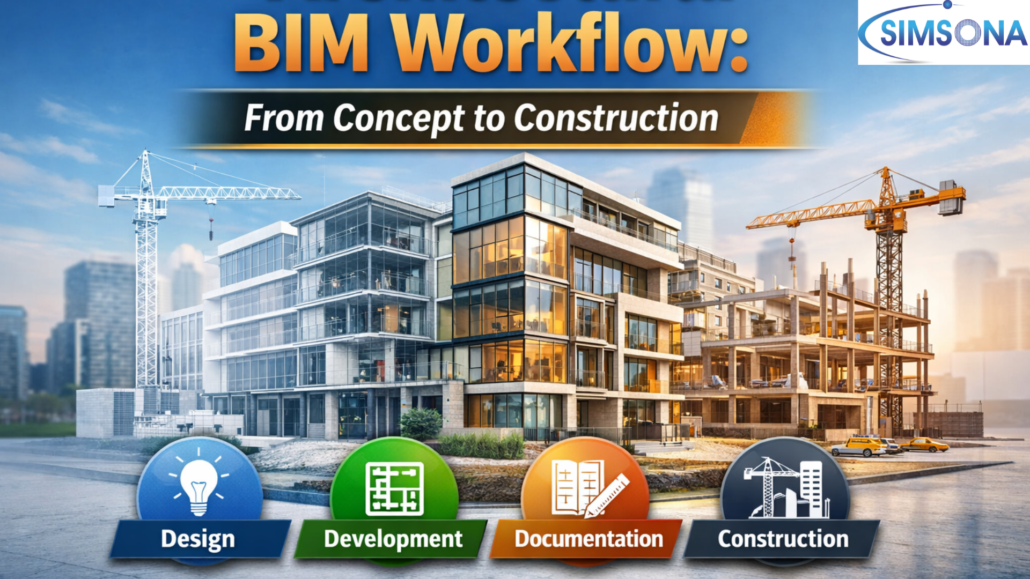
Days are over when modern architecture is limited to drawings and static plans. In today’s world buildings are designed and coordinated using building information modeling (BIM). A digital process that helps architects, engineers, and contractors to collaborate with the help of an intelligent 3D model.
From the beginning to the end of a project, an architectural BIM workflow connects every stage of a project. It helps in executing the earliest design ideas to the final construction phase. Instead of isolated drawings and static plans, the project has evolved into shared models that contain information about geometry, materials, quantities, and building systems.
Design visualization, interdisciplinary coordination, cost estimation, and construction accuracy become part of the workflow. Understanding how this workflow operates helps architects, contractors, and project owners appreciate how BIM reduces errors and improves project outcomes.
Concept and Schematic Design Stage
Any architectural project begins with an idea. In the concept design stage, architects explore the form, scale, and spatial arrangement of the building.
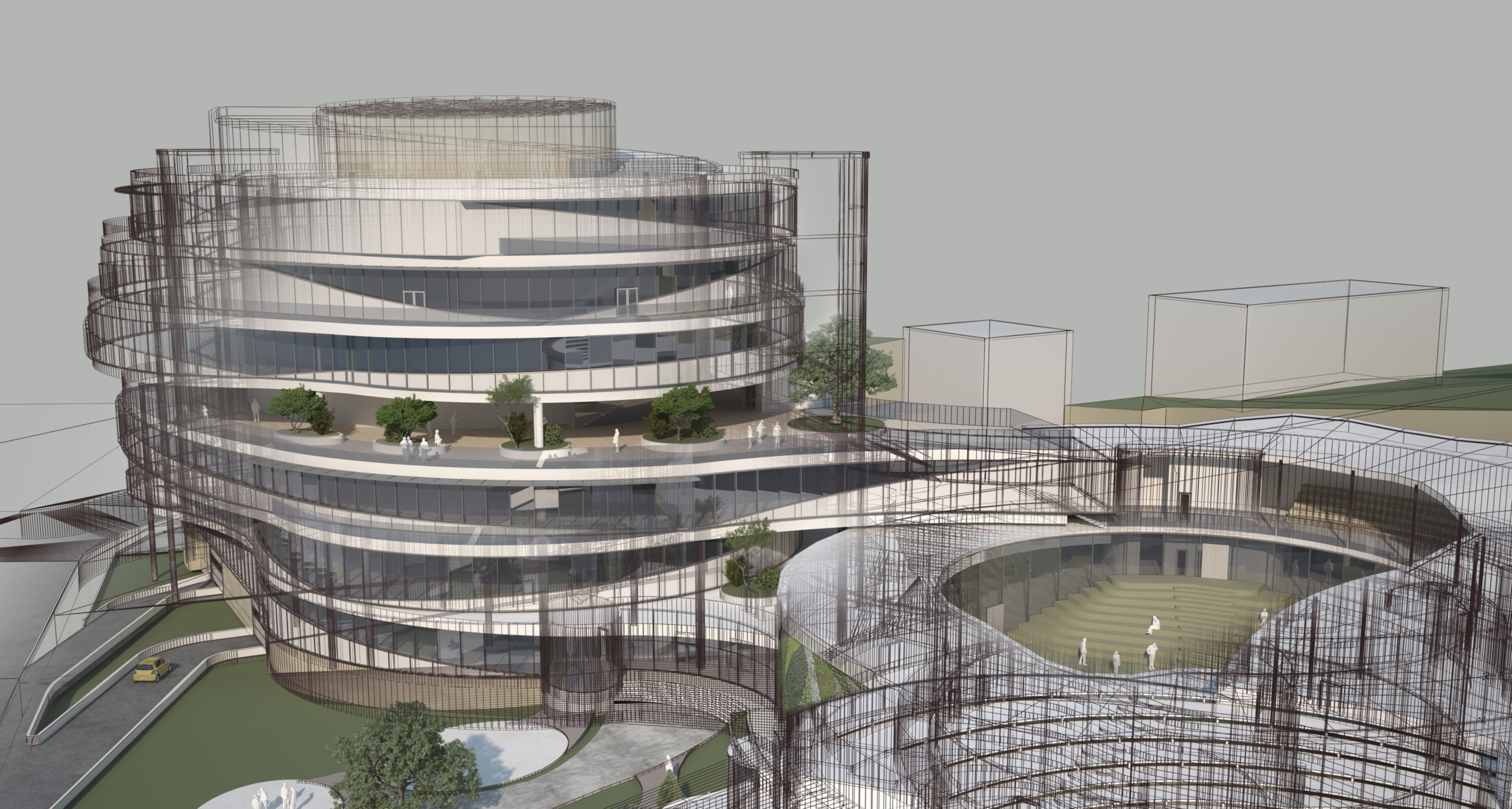
At this stage, BIM helps in translating these ideas into conceptual 3D models rather than simple sketches of the past. Bim produces a model that focuses on building massing, basic geometry, and spatial relationships. A digital model helps the architect in representing the approximate area, height, and volume of the building. All the stakeholders visualize the design before detailed development begins.
A BIM model helps architects to study site conditions, orientation, sunlight exposure, and surrounding context. It provides an overview of the project. Parametric modeling tools inside the BIM help in quickly modifying building shapes and layouts while maintaining consistency across the model.
Visual communication becomes easier during the concept and schematic design stage. BIM models generate interior and exterior views that help clients understand the architectural vision more clearly.
Latent semantic concepts commonly used in this stage include:
- Conceptual BIM modeling.
- Building massing analysis.
- Site orientation modeling.
- 3D architectural visualization.
- Early-stage design coordination.
These elements help establish a strong foundation for the rest of the BIM workflow.
Design Development Stage
After the conceptual design is approved, the project moves into design development. In this state the BIM model becomes more detailed and begins to represent actual building components.
Architects start defining walls, floors, roofs, windows, doors, and structural elements. While the geometry may still be approximate, the model now reflects the building layout more accurately.
This stage also introduces interdisciplinary coordination. Structural engineers and MEP engineers begin integrating their systems into the BIM model. Using BIM coordination tools, the design team can analyze how architectural elements interact with structural framing, HVAC systems, plumbing networks, and electrical layouts.
Another key advantage of BIM during design development is quantity estimation. Because the model contains data about building elements, teams can generate preliminary quantities for materials and components.
Important processes during this stage include:
- Architectural model refinement.
- Floor plan and elevation development.
- Coordination with structural and MEP models.
- Preliminary material quantities.
- Design validation and visualization.
This stage significantly reduces design conflicts before construction documents are prepared.
Construction Documentation Stage
The next step in the architectural BIM workflow is the creation of construction documentation. During this stage, the BIM model becomes highly detailed and contains precise information required for construction.
Architects define specific assemblies, accurate dimensions, and detailed building components. Every element of the model like walls, columns, beams, windows, and doors has defined specifications.
The BIM model is used to generate construction drawings such as plans, sections, elevations, and detail drawings. Unlike traditional CAD drafting, these drawings are directly derived from the model, ensuring consistency across all documentation.
Another critical function of BIM in this phase is clash detection and coordination. Tools such as coordination software allow teams to identify conflicts between architectural elements and other building systems before construction begins.
For example, the model may reveal a situation where an HVAC duct conflicts with a structural beam. Detecting these issues early helps avoid costly changes during construction.
Key processes at this stage include:
- Detailed architectural modeling.
- Generation of construction drawings.
- BIM coordination and clash detection.
- Documentation standards compliance.
- Model-based design verification.
By the end of this stage, the BIM model becomes a reliable reference for contractors and construction teams.
Construction and Fabrication Stage
The final stage of the BIM workflow is the construction and fabrication phase, where the digital model supports real-world building activities.
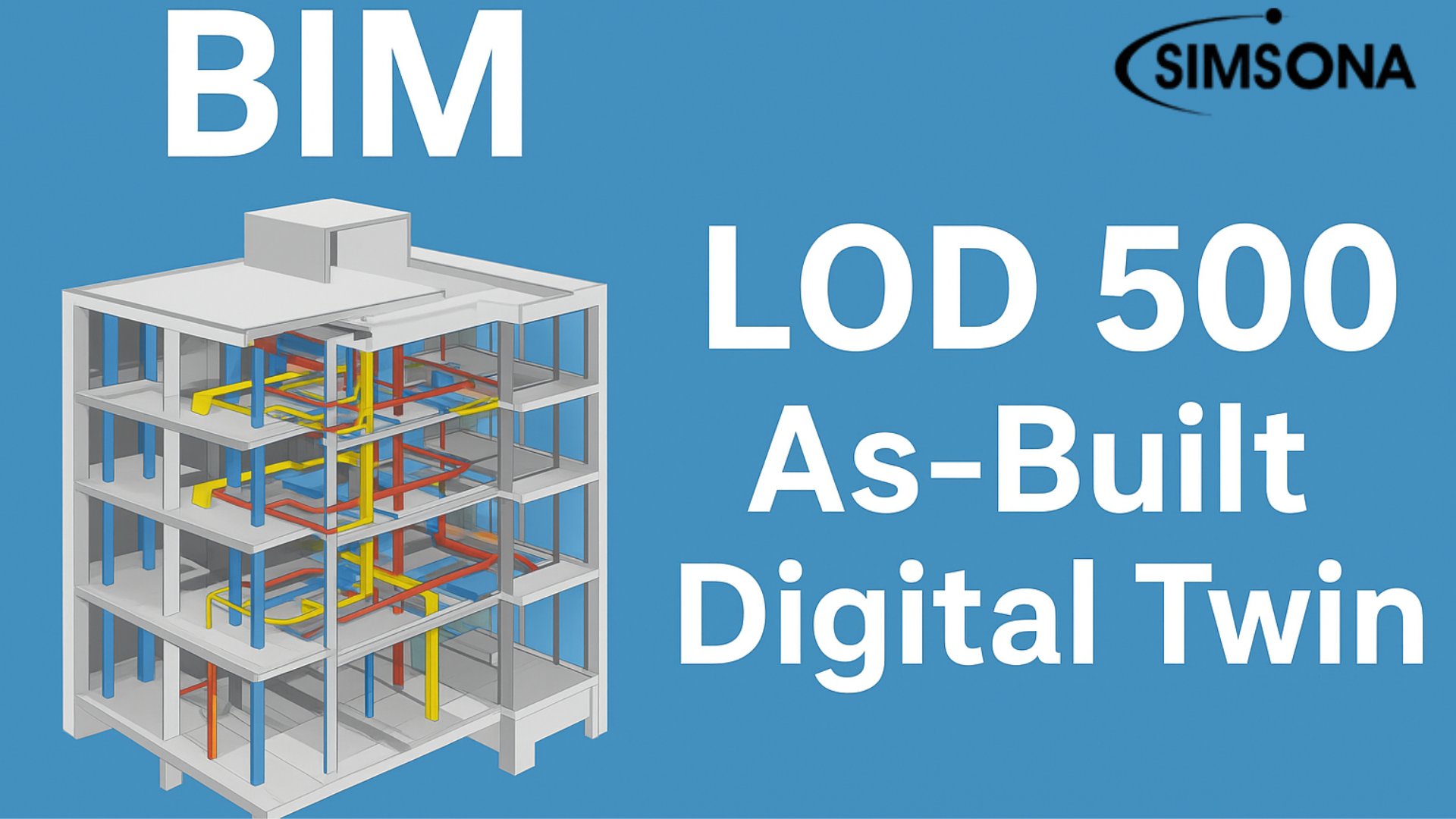
In advanced BIM workflows, the model evolves into a fabrication-level model containing precise geometry and assembly information required for manufacturing and installation.
Contractors and fabrication teams use this model to produce building components such as steel structures, prefabricated elements, and mechanical systems. Because the model contains exact dimensions and material specifications, fabrication errors are minimized.
BIM also supports construction planning and scheduling. Project teams can integrate time and cost data with the model, enabling better planning of resources and construction sequences.
During construction, BIM models are often used for:
- Fabrication drawings and shop drawings.
- Construction sequencing and planning.
- Field coordination.
- Quantity tracking and cost management.
- Installation guidance for contractors.
This digital workflow ensures that the project moves smoothly from design to physical construction.
Why Is a BIM Workflow Important in Modern Architecture?
The architectural BIM workflow offers several advantages compared to traditional design methods.
First, it improves collaboration across disciplines. Architects, engineers, contractors, and owners can work from a shared model rather than separate drawings.
Second, BIM enhances design visualization and client communication. Stakeholders can understand the project through realistic 3D views and simulations.
Third, BIM significantly reduces errors and design conflicts through early clash detection and model coordination.
Finally, BIM supports data-driven decision-making, allowing teams to evaluate materials, costs, and construction strategies before the building process begins.
Because of these benefits, BIM has become a fundamental process in the architecture, engineering, and construction (AEC) industry.
How does Simsona support the architectural BIM workflow?
A successful BIM workflow requires technical expertise, reliable modeling standards, and strong coordination across teams. This is where Simsona plays an important role.
Simsona provides comprehensive BIM support throughout the entire project lifecycle. From early design modeling to construction-ready documentation. With experience in more than 5000 BIM-integrated projects across North America, the company follows industry best practices to deliver accurate and efficient BIM solutions.
Simsona’s BIM consultants and experienced BIM managers assist architects and engineers with Revit-based modeling, project coordination, and implementation strategies. The team produces high-quality detailed drawings that support design mobilization and project initiation.
Conclusion
The architectural BIM workflow connects every stage of a building project—from conceptual design and model development to construction and fabrication. By integrating data, geometry, and collaboration within a single digital environment, BIM improves design accuracy, reduces conflicts, and enhances overall project efficiency.
As the construction industry continues to adopt digital processes, BIM workflows are becoming essential for delivering complex building projects successfully.
With its experienced BIM consultants, advanced modeling expertise, and flexible collaboration approach, Simsona helps architectural and construction teams
Frequently Asked Questions (FAQs)
Q: What is an Architectural BIM workflow?
An architectural BIM workflow is the structured process of creating, managing, and coordinating building information models throughout the lifecycle of a project. It typically starts with conceptual design and schematic modeling, progresses through design development and construction documentation, and finally supports construction and fabrication. This workflow ensures accurate design coordination, improved visualization, and efficient collaboration among architects, engineers, and contractors.
Q: What are the main stages of the Architectural BIM workflow?
The Architectural BIM workflow generally consists of four major stages:
Concept and Schematic Design – Creating conceptual 3D models and building massing.
Design Development – Refining architectural components and coordinating with structural and MEP systems.
Construction Documentation – Producing accurate drawings, plans, sections, and details from the BIM model.
Construction and Fabrication – Using the model for shop drawings, fabrication, and construction coordination.
Each stage adds more detail and accuracy to the BIM model.
Q: How does BIM improve architectural design processes?
BIM improves architectural design by providing 3D visualization, real-time collaboration, and data-rich models. Architects can test different design options, analyze building performance, and identify design conflicts early. This reduces errors, saves time during construction, and enhances decision-making throughout the project lifecycle.
Q: What software is commonly used in architectural BIM workflows?
Several industry-standard tools are used in Architectural BIM workflows, including:
- Autodesk Revit for BIM modeling
- AutoCAD for drafting and documentation
- Navisworks for clash detection and coordination
- BIM collaboration platforms for cloud-based teamwork
These tools help architects create intelligent models and coordinate with structural and MEP teams.
Q: What is the difference between CAD and BIM in architecture?
Traditional CAD (Computer-Aided Design) focuses on 2D drawings, while BIM (Building Information Modeling) creates intelligent 3D models that contain detailed information about building components. BIM models include data about materials, quantities, and building systems, making them more powerful for design coordination, construction planning, and lifecycle management.
Q: How does BIM help reduce construction errors?
BIM helps reduce construction errors through clash detection and model coordination. By integrating architectural, structural, and MEP models into a shared digital environment, project teams can identify conflicts before construction begins. This proactive approach prevents costly on-site modifications and delays.
Q: What is BIM coordination in architectural projects?
BIM coordination is the process of integrating models from different disciplines like architecture, structural engineering, and MEP systems into a single coordinated model. Using coordination tools, teams can analyze interactions between building systems and resolve design conflicts early in the project.
Q: What are the benefits of outsourcing Architectural BIM services?
Outsourcing Architectural BIM services provide several advantages, including:
- Access to experienced BIM professionals
- Reduced operational costs
- Faster project delivery
- Scalable resources for large projects
- Improved model quality and documentation
Many architectural firms outsource BIM modeling to specialized service providers to increase efficiency and reduce workload.
Q: How does BIM support construction and fabrication?
During construction, BIM models provide accurate information for shop drawings, prefabrication, installation planning, and material quantities. Fabrication teams use these models to produce building components with precise specifications, reducing errors and improving construction efficiency.
 301-774-0880